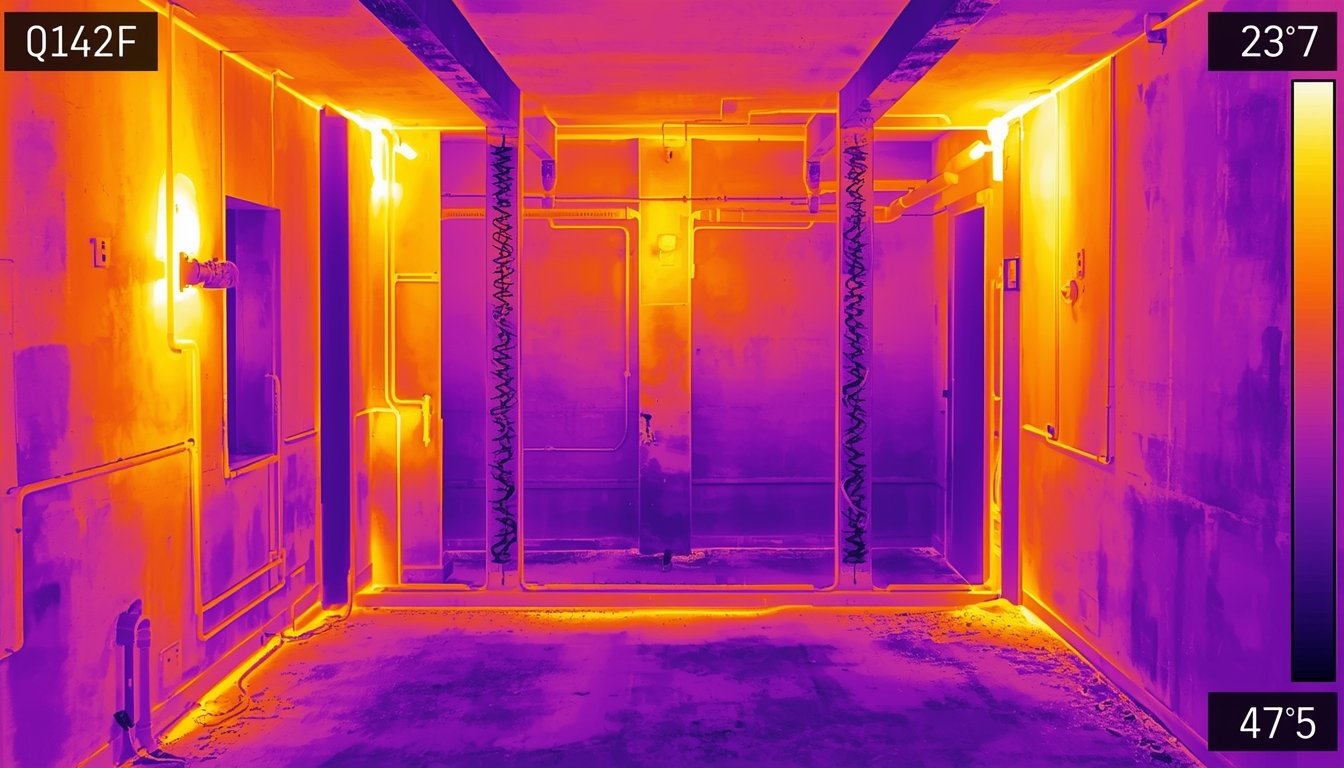
You can check HVAC performance with a thermal camera by scanning vents, ducts, and surrounding surfaces to see how evenly heated or cooled air is being distributed. Temperature patterns will show whether your system is working efficiently or if there are airflow issues, leaks, or imbalances.
How to use a thermal camera to check HVAC airflow
Start by turning your heating or cooling system on and letting it run long enough to create a clear temperature difference. This contrast is important because it allows the thermal camera to show meaningful patterns.
Scan around vents, registers, and nearby walls. A properly working system should produce a consistent temperature pattern where air is entering the room. For example, a heating vent should show a warm area spreading outward, while a cooling vent should show a cooler pattern.
Pay attention to how evenly the air spreads. If one vent shows a strong temperature difference and another appears weak or inconsistent, that may indicate an airflow issue. This could be caused by blocked ducts, poor balancing, or restricted airflow.
Also check along duct paths where possible. Temperature loss along ducts can indicate leaks or poor insulation, especially in attics or crawl spaces.
If you’re unsure whether conditions are right for scanning, it helps to understand the best conditions for using a thermal camera at home before starting.
Common HVAC problems visible in thermal scans
Thermal imaging can reveal several common HVAC issues by highlighting uneven temperature patterns. These issues often affect comfort and system efficiency.
Typical problems include:
- Uneven airflow between rooms or vents
- Duct leaks causing loss of heated or cooled air
- Blocked or restricted vents reducing output
- Poor insulation around ducts leading to heat loss
For example, if a duct is leaking, you may see unexpected warm or cool patches along its path rather than at the vent. Similarly, a blocked vent may show little to no temperature difference compared to surrounding surfaces.
Another common issue is imbalance between rooms. If one room consistently shows weaker temperature patterns than others, it may not be receiving enough airflow. This can explain why some rooms feel colder or warmer than the rest of the house.
Thermal scans make these differences visible, allowing you to identify problems without dismantling the system.
How to confirm and improve HVAC performance
After identifying potential issues with a thermal camera, the next step is to confirm the cause and take practical steps to improve system performance.
Once you spot an issue:
- Check vents for blockages such as furniture or dust buildup
- Inspect accessible ducts for leaks or disconnections
- Ensure vents are open and properly adjusted
- Compare airflow and temperature across multiple rooms
These checks help determine whether the issue is simple to fix or requires further work. For example, a blocked vent can often be resolved quickly, while duct leaks may require sealing or professional repair.
Improving HVAC performance can lead to more consistent temperatures, better energy efficiency, and increased comfort throughout your home.
A thermal camera helps you focus on the exact areas that need attention, reducing guesswork and making it easier to identify where performance is being lost.