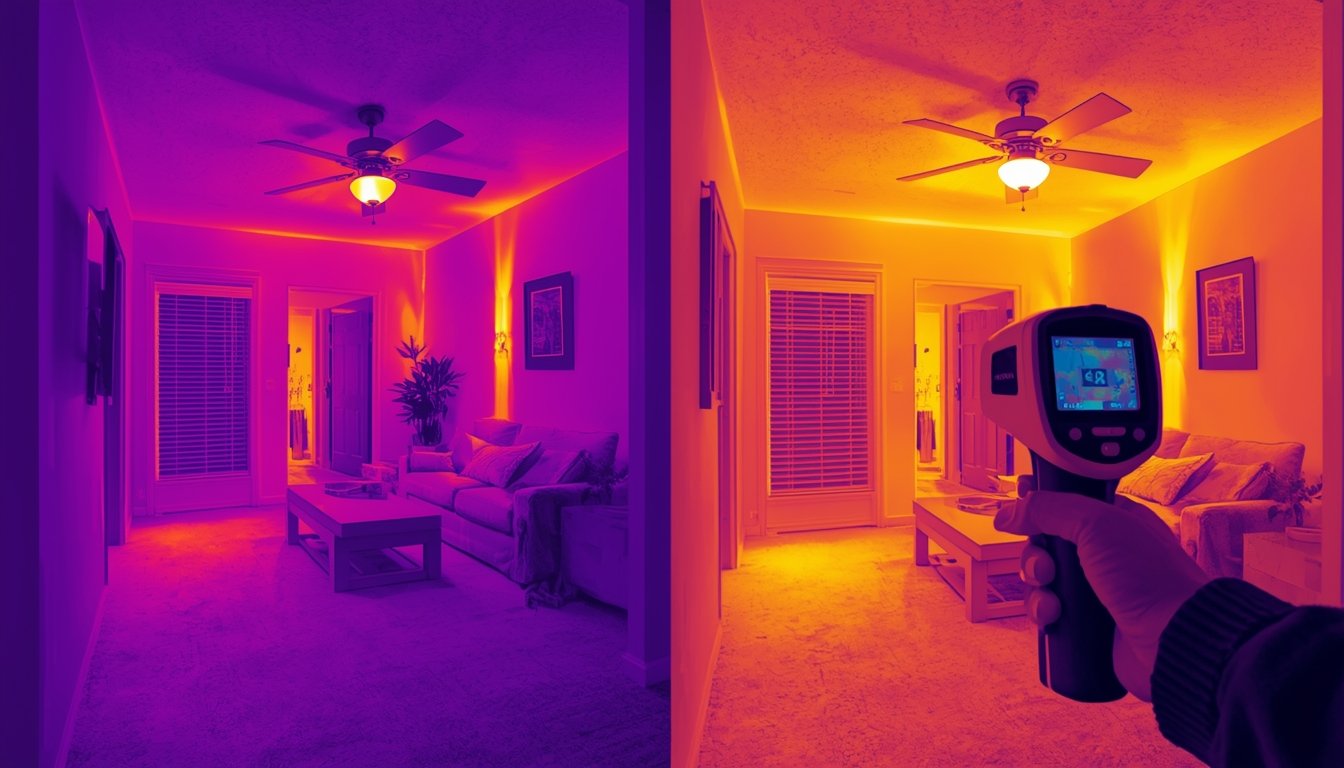
No, a thermal camera cannot directly detect mold. It can only identify temperature differences caused by moisture, which are the conditions that allow mold to grow. This makes it useful for finding areas at risk, but not for confirming mold itself.
How thermal cameras help identify mold risk
Mold grows in damp, poorly ventilated areas where moisture is present over time. A thermal camera can help locate these conditions by highlighting cooler areas where moisture may be affecting the surface temperature.
When materials such as drywall or wood become damp, they often retain temperature differently than dry areas. This can show up in a thermal image as a cold patch or irregular pattern compared to the surrounding surface.
For example, if a section of wall appears cooler than the rest, it may indicate hidden moisture behind it. That moisture could eventually lead to mold growth if it is not addressed.
However, the camera is not detecting mold itself. It is detecting the conditions that support mold growth, such as dampness or uneven drying. This is why thermal imaging is often used as an early detection tool rather than a confirmation method.
If you are trying to understand how moisture shows up in thermal scans, it helps to look at how thermal cameras detect moisture and hidden leaks before drawing conclusions.
What to look for when scanning for potential mold
When using a thermal camera to check for mold risk, you are looking for patterns that suggest moisture problems rather than the mold itself.
Common signs to look for include:
- Cool patches on walls, ceilings, or floors
- Irregular temperature patterns that do not match the structure
- Areas around windows, pipes, or rooflines showing temperature differences
- Sections that remain cooler over time compared to surrounding areas
For example, a ceiling with a slow roof leak may show a cooler area where moisture has spread, even before visible staining appears. Similarly, a wall near a bathroom or kitchen may show signs of dampness due to plumbing issues.
It’s important to compare multiple areas rather than focusing on a single spot. Not every temperature difference indicates a problem — airflow, insulation gaps, or shading can also create similar patterns.
Consistency is key. If a thermal anomaly appears repeatedly under the same conditions, it is more likely to indicate a real issue worth investigating further.
How to confirm mold after a thermal scan
Once a thermal camera highlights a suspicious area, you need to confirm whether mold is actually present. Thermal imaging alone is not enough to make that determination.
After identifying a potential problem area:
- Check for visible signs such as discoloration, staining, or musty smells
- Use a moisture meter to confirm dampness in the material
- Inspect nearby sources such as pipes, roofs, or condensation points
- Consider professional testing if mold is suspected but not visible
These steps help separate actual mold issues from other causes of temperature variation. For example, a cold spot caused by poor insulation will not show the same moisture readings as a damp surface.
Taking this extra step prevents unnecessary repairs or misdiagnosis. A thermal camera helps you find where to look, but confirmation requires direct inspection or additional tools.
Used together, these methods provide a more accurate picture of what is happening behind surfaces, allowing you to act early before mold becomes a larger problem.